The Production Gap · Scale
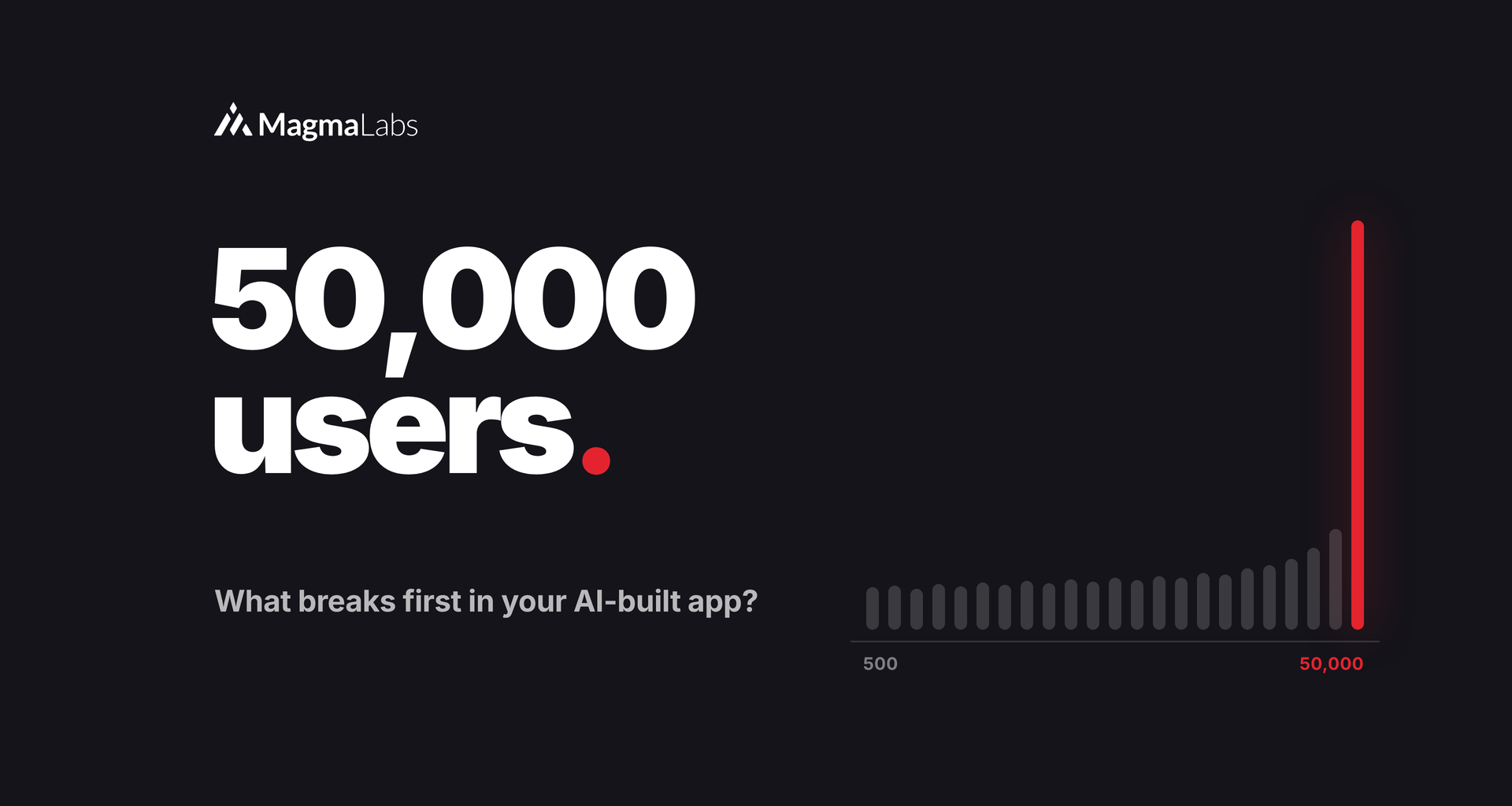
At 500 users, everything feels fast. At 50,000, the same code takes your app down.
Most AI-built apps don’t fail on launch day. They fail the week growth finally shows up: a Product Hunt spike, a press mention, the enterprise customer who onboards 3,000 seats at once. Nothing in the code changed. The traffic did. Here’s what breaks first when an AI-built app grows, and how scalability testing finds it before your users do.
AI-built apps rarely break at scale because of one big flaw. They break from small patterns that are invisible at low traffic: N+1 queries, missing indexes, no caching, slow work inside requests, state stuck on one server, and unbounded API calls. Each one multiplies with every new user. A scalability test at 10x your current traffic finds most of them in a day.
Why do AI-built apps slow down as they grow?
Because AI writes code that works with test data, not code that holds under real load. A pattern that costs nothing at 500 users costs 100 times more at 50,000, and nobody notices until response times jump.
The research is consistent. A 2026 peer-reviewed study in Empirical Software Engineering found that AI-generated code, although functionally correct, often shows performance regressions compared with standard solutions. And in New Relic’s 2026 State of AI Coding report, 94% of leaders rated AI code as higher quality at review, yet 78% saw production incidents rise once it shipped.
Code review happens with ten rows of data. Production happens with ten million.
The 6 things that break first
N+1 queries
The N+1 query problem: a page loads a list, then queries the database once per item. Twenty queries at launch become two thousand at scale.
FixLoad related data in one query and set a query limit per page in CI.
Missing indexes
Queries that took milliseconds on 1,000 rows take seconds on a million, because the database scans every row.
FixAdd database indexes on the columns you filter, join, and sort on, starting with your slowest queries.
No caching
Every visit recalculates the same dashboard, pricing table, or feed, so the database does the same work thousands of times.
FixCache hot reads with a clear expiry, and measure the hit rate.
Slow work inside the request
Emails, PDFs, and AI calls run while the user waits. Under load, requests pile up and time out.
FixMove slow work to background job queues and show progress instead.
State stuck on one server
Sessions or uploads live on the app server’s disk. Add a second server and users get logged out or lose files.
FixStore sessions and files in shared services built for that, like Redis and object storage.
Unbounded external and LLM calls
Traffic grows and you hit third-party rate limits, while the AI bill grows faster than revenue.
FixAdd rate limits, retries with backoff, batching, and a spending cap per feature.
Scale doesn’t create new bugs. It multiplies the ones you already shipped.
Growth coming soon? Talk to a senior engineer about your limits →
Scalability testing: how to find them before your users do
| Do this | What it catches |
|---|---|
| Log database queries and count them per page | N+1 patterns hiding in lists and dashboards |
| Run EXPLAIN on your 10 slowest queries | Missing indexes and full table scans |
| Load test signup, login, and checkout at 10x traffic | Timeouts, connection limits, and slow requests |
| Run two app instances in staging | Sessions and files stuck on one server |
| Alert on latency and error rate, not just uptime | Slowdowns before customers start emailing |
| Set budgets on third-party and LLM usage | Rate limits and runaway AI costs |
The good news: almost all of these are targeted fixes, not reasons to start over. If you’re weighing a bigger change, read Fix it or rebuild it? first.
Find your scaling limits before launch day does.
Senior MagmaLabs engineers can load test your AI-built app, find what breaks first, and tell you plainly what to fix before growth arrives. No hype, no 80-page report.
Watching AI costs too? Read AI FinOps: how to cut your LLM costs →
Frequently asked questions
What breaks first when an app scales?
Usually the database. N+1 queries and missing indexes are the most common first failures, because their cost grows with every user and every row. Slow work inside requests and state stored on a single server tend to follow.
What is scalability testing?
Scalability testing checks how your app behaves as users, data, and traffic grow. You run critical flows like signup, login, and checkout at about 10 times your current load and watch response times, error rates, and database load. If any of them climb sharply, you’ve found your limit.
Is AI-generated code slower than human-written code?
It often works but isn’t optimized. Research in 2026 found frequent performance regressions in functionally correct AI-generated code, and most organizations report more production incidents after shipping it. Reviews and load tests close the gap.
Do I need to rebuild my app to scale?
Rarely. Most scaling problems in AI-built apps are targeted fixes: better queries, indexes, caching, background jobs, and shared storage. A rebuild only makes sense when the core data model can’t support where the business is going.