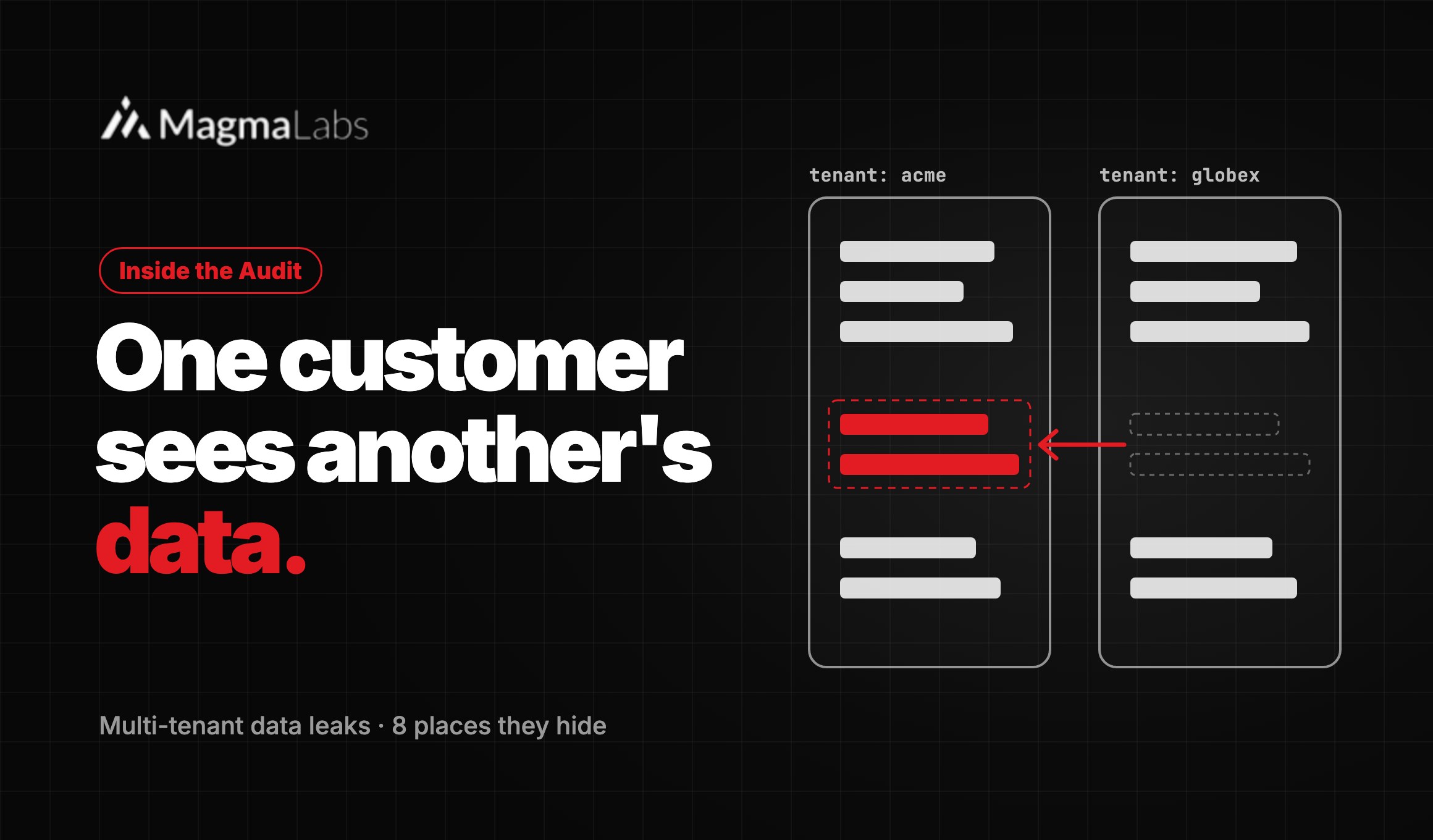
Your app works, and your first customers are live. Then one day, a customer sends you a screenshot of an invoice that isn’t theirs. That is a multi-tenant data leak. In fact, it is one of the most common bugs we find in apps built with AI coding tools like Cursor, Copilot, Claude Code, and Lovable.
The worst part? It never shows up in the demo. So it ships.
Key takeaways
- Tenant isolation is a rule, not a feature. AI tools build one feature at a time, so they miss it.
- Leaks hide in 8 places, from database queries to caches and file storage.
- You can test for it in one afternoon with two test accounts.
- The real fix lives in the data layer, not in the UI.
What is a multi-tenant data leak?
A multi-tenant data leak happens when one customer can see or change another customer’s data inside the same app. In other words, the walls between accounts fail. Tenant isolation is the set of rules that keeps those walls up. For example, every query, job, file, and cache entry must belong to one tenant.
A multi-tenant data leak is not a rare problem. In fact, broken access control is #1 in the OWASP Top 10 for 2025. And in FinTech or HealthTech, a leak like this is more than a bug. It can be a reportable incident.
Why do AI coding tools keep writing this bug?
Tenant isolation is a rule that must hold in every file. However, AI tools work one prompt at a time. That is why they miss it:
- First, prompts describe features, not rules. “Add an invoices page” says nothing about who can see each invoice.
- Second, the model only sees part of your code. So it can skip the pattern the rest of your app uses.
- Third, tests often use one test user. As a result, a leak between two customers stays invisible.
- Finally, most tutorial code serves one customer. For example, it calls
Invoice.find(id)and moves on.
The data backs this up. Veracode tested over 100 AI models on 80 coding tasks. As a result, it found security flaws in 45% of the code they wrote. For a wider view, read Is Vibe Coding Safe for Production?
170 of 1,645
apps from Lovable’s showcase had weak row level security. As a result, tables like users, transactions, and subscriptions were exposed.
Source: Matt Palmer, CVE-2025-48757
Where does tenant isolation break in AI-generated code?
When we run a Production Readiness Audit, we don’t stop at the database. Instead, we check these eight places:
| Where it leaks | What AI-generated code usually does |
|---|---|
| 1. Database queries | The query finds a record by ID but never checks the tenant. |
| 2. IDs in the URL (IDOR) | The app trusts any ID a user sends. |
| 3. Jobs and exports | Background tasks run with no tenant, so they read everything. |
| 4. Caches | One cache key is shared by all customers. |
| 5. File storage | Files sit in shared folders, behind links that never expire. |
| 6. Search | One search index, with no tenant filter. |
| 7. Row level security | It is turned off, or it allows everyone. |
| 8. UI-only checks | The screen hides the data, but the API still sends it. |
Here is the most common version. In this case, it is Node with Prisma:
// What the AI wrote: any logged-in user can read any invoice
const invoice = await db.invoice.findUnique({ where: { id: req.params.id } });

// Fixed: the tenant comes from the session, never from the request
const invoice = await db.invoice.findFirst({
  where: { id: req.params.id, tenantId: req.user.tenantId },
});
if (!invoice) return res.sendStatus(404);
Inside the Audit
Security and tenancy is one of six areas in our Production Readiness Audit. It takes 10 business days at a fixed price. Plus, we fix your top finding before we hand over the report.
How to check your app for a multi-tenant data leak this week
You don’t need a full security test to find the obvious leaks. Instead, block one afternoon and follow these steps:
- First, create two test accounts, A and B, with realistic data.
- Next, log in as A and try to open B’s records. Just change the IDs in the URL. If you get anything other than an error, you have a leak.
- Then search your code for lookups that skip the tenant. For example:
grep -rnE "findUnique|findById" app/ src/ - After that, check row level security. In Supabase, run the Security Advisor. In Postgres, this query lists the tables without it:
select relname from pg_class
where relkind = 'r' and not relrowsecurity;- Now run every export, job, and webhook as A. Then confirm you only see A’s data.
- Finally, check your cache keys and file paths. If the tenant isn’t in them, assume they leak.
How to fix tenant isolation for good
Fixing one endpoint at a time doesn’t last. After all, the next AI-generated endpoint will bring the bug back. So make the safe path the default:
- Scope every query by tenant. For example, in Rails use
current_account.invoices.find(params[:id])instead ofInvoice.find. - Turn on row level security as a backup. That way, if the code forgets, the database still says no. Supabase’s docs say it plainly: turn it on for every exposed table.
- Keep access rules in one place, like a policy object. As a result, reviews get easier.
- Add two-tenant tests to CI. That way, the build fails before a customer finds the bug.
- Log and alert on failed cross-tenant requests. A spike of errors on foreign IDs means someone is probing.
-- Postgres: enforce isolation, even for the table owner
alter table invoices enable row level security;
alter table invoices force row level security;
create policy tenant_isolation on invoices
  using (tenant_id = current_setting('app.tenant_id')::uuid);
One warning, though. In PostgreSQL, admin roles skip these rules. So your app should never connect as one. Also, if tenant logic is spread across your whole codebase, read Fix It or Rebuild It? first.
Frequently asked questions
How do I know if my app has a multi-tenant data leak?
First, create two test accounts. Then log in as one and try to open the other’s records by changing IDs. Also, run exports and cached pages as each account. If you see the other account’s data, you have a leak.
Is Supabase row level security enough to isolate tenants?
Only if it is on for every exposed table and the rules are right. For example, a rule like using (true) protects nothing. So treat it as a backup, not as your only defense.
What is an IDOR bug?
IDOR stands for insecure direct object reference. It happens when the app loads a record by ID but never checks who owns it. AI tools write it because the prompt describes the feature, not the rule.
Are AI coding tools safe for multi-tenant apps?
Yes, but only with guardrails. For example, scope every query by tenant, turn on row level security, and add two-tenant tests to CI. Then review every new endpoint for access checks.
Is a cross-tenant data leak a reportable breach?
It can be. If the leak exposes personal, financial, or health data, you may have to notify people. So bring in legal counsel early. Meanwhile, your engineers should stop the leak and check the logs.
The bottom line
AI tools didn’t invent the multi-tenant data leak. However, they write it faster than a one-user test suite can catch it. So build tenant isolation into your data layer, test it with two accounts, and keep shipping fast.
Does your AI-built product hold in production?
Our Production Readiness Audit costs $4,900 and takes 10 business days. We review six areas, including security and tenancy. Plus, we fix your top finding in the same window. So you leave with working code, not just a report.
Not sure yet? Book a 30-minute call with a senior engineer.
MagmaLabs is a team of senior engineers in Mexico. We work with US startups and scale-ups. For over 10 years, we have shipped Rails, React, Node, and Python apps. Today, we take AI-built products to production and stand behind them. See how we work →