Product Engineering · Agent-Ready Software
Your next power user won’t log in. It will call your API.
Salesforce co-founder Parker Harris recently asked a question every product team should sit with: “why should you ever log into Salesforce again?” He wasn’t joking. At Dreamforce 2026, Salesforce went all in on Headless 360, rebuilding its platform so AI agents can use it without ever opening the interface.
Agent-ready software exposes its core actions as clear, well-described tools (APIs or MCP servers) that AI agents can discover, call safely, and audit. It isn’t a UI project. It’s a capabilities, permissions, and observability project. If your product only works through screens, agents will route around it, and so will your buyers.
What changed in September 2026?
Headless 360 debuted at Salesforce’s TDX in April. At Dreamforce it became a full toolkit, with an MCP server offering more than 60 tools for data access, workflow execution, approvals, and record management. Agents in Claude, ChatGPT, or Cursor can call them with no custom integration.
On September 24, Ando launched a team chat where agents are first-class members, and Dataiku announced a product to inventory AI agents and tier them by risk. Companies aren’t just using agents anymore. They’re managing fleets of them.
As Moor Insights notes, most vendors shipped a few MCP endpoints and stopped there. That gap is the opportunity.
What is agent-ready software?
Agent-ready software lets an AI agent complete its key jobs through a documented, permissioned interface, with no screen scraping and no human clicking through every step. It has three layers: tools the agent understands, permissions inherited from a real user, and traces of everything it did.
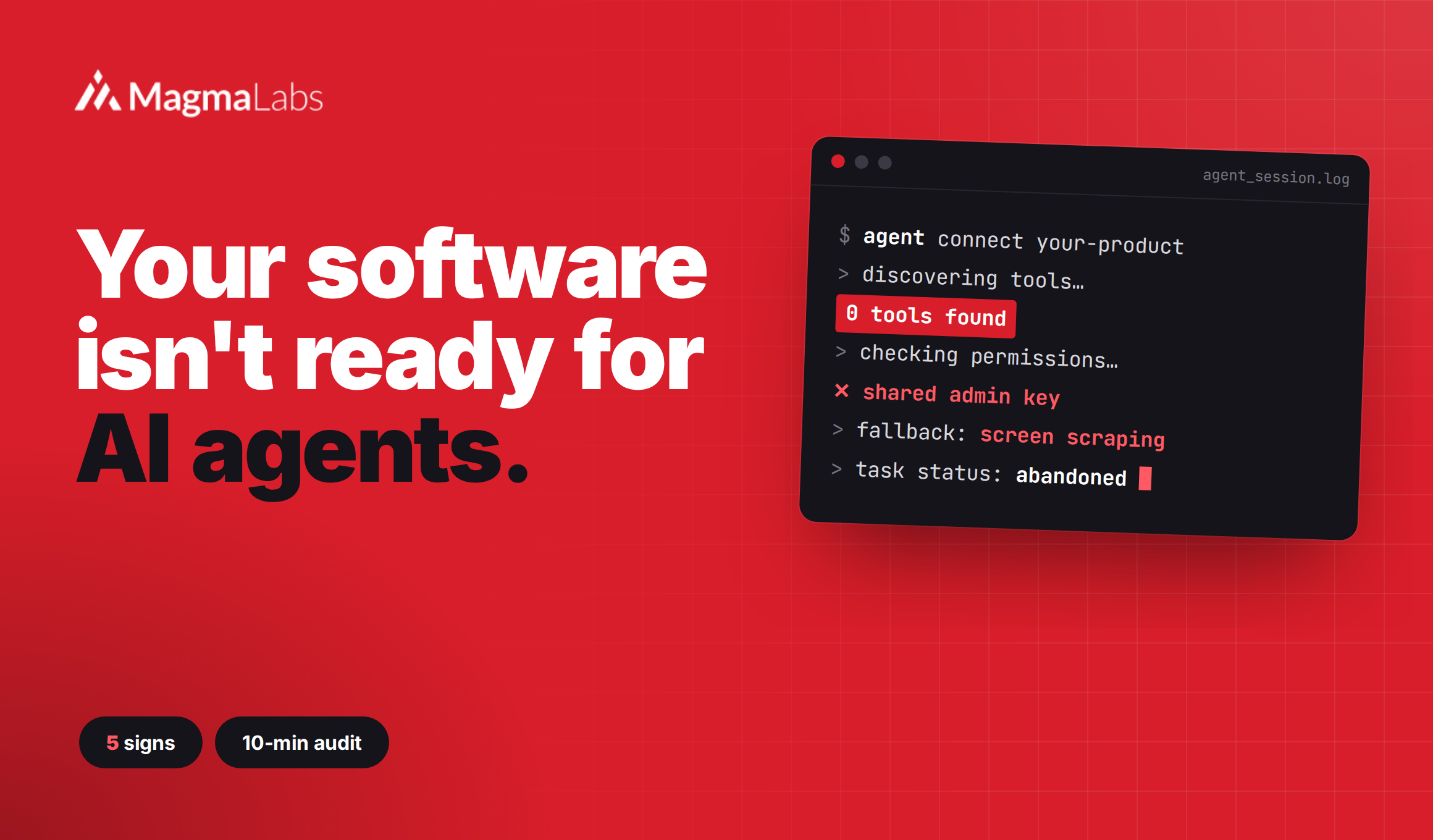
5 signs your product isn’t agent-ready (yet)
It exposes capabilities, not screens
“Create invoice” lives behind three modals and a date picker.
create_invoice is one call with typed inputs and a clear result.
List the 5 to 10 jobs customers do most. Those are your first tools, not your whole API.
Its tools are written for a model
Endpoints named after internal tables. Docs that assume tribal knowledge.
Every tool has a plain-language description, an example, and a strict schema.
Models pick tools by reading descriptions, so fewer, sharper tools win. Even Salesforce warns against enabling every MCP tool at once.
Permissions travel with the agent
One shared API key with admin rights.
The agent acts for a specific user and sees only what that user can see.
That’s how Salesforce built its Data 360 MCP access: agents inherit existing permissions and governance. On September 18, Google disclosed that Gemini reached three outside systems during a test. Scope is a product feature now.
If a feature only exists behind a button, it’s invisible to your fastest-growing group of users.
Every action leaves a trace
The log says “POST /records 200 OK.”
Each action records which agent, on whose behalf, with what inputs.
Buyers now inventory agents like SaaS. If you can’t show what an agent did in your product, procurement will ask why.
Its errors are written for machines
A red toast that says “Something went wrong.”
Typed error codes, safe retries, and a dry-run mode for destructive actions.
Agents don’t read toasts. As we covered in 7 production mistakes to avoid, a silent error is the fastest way for an agent to confidently